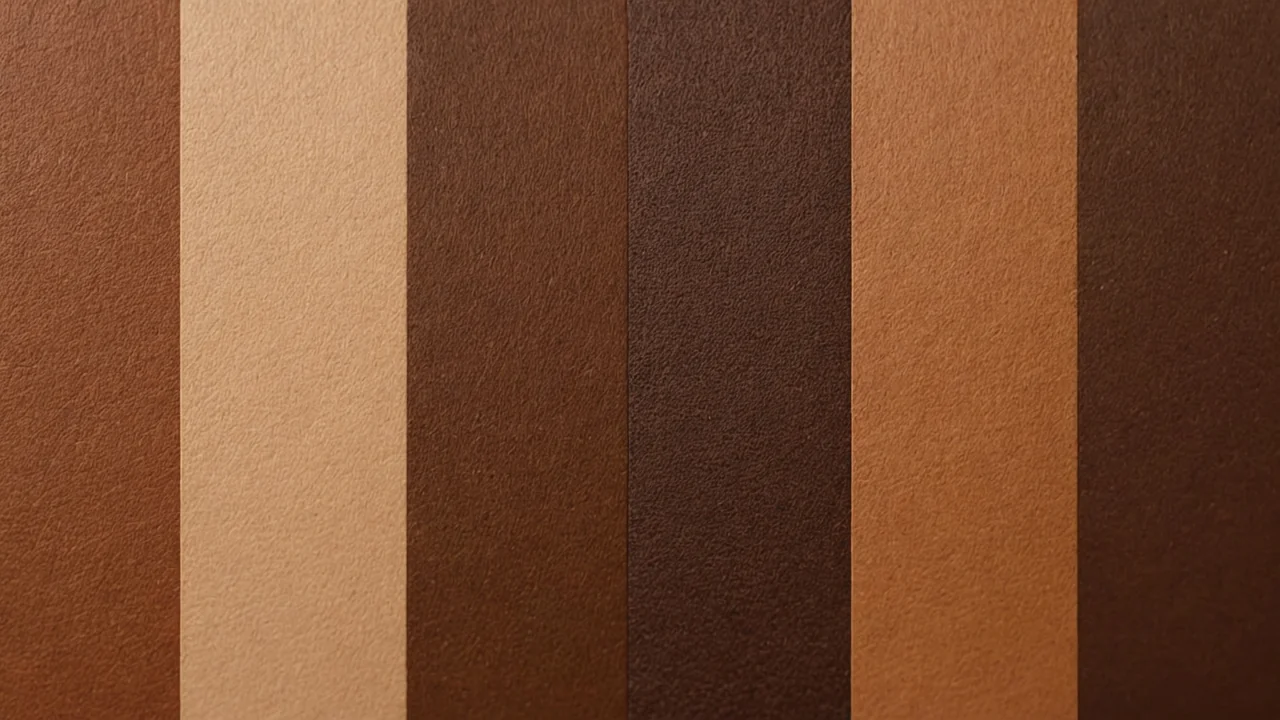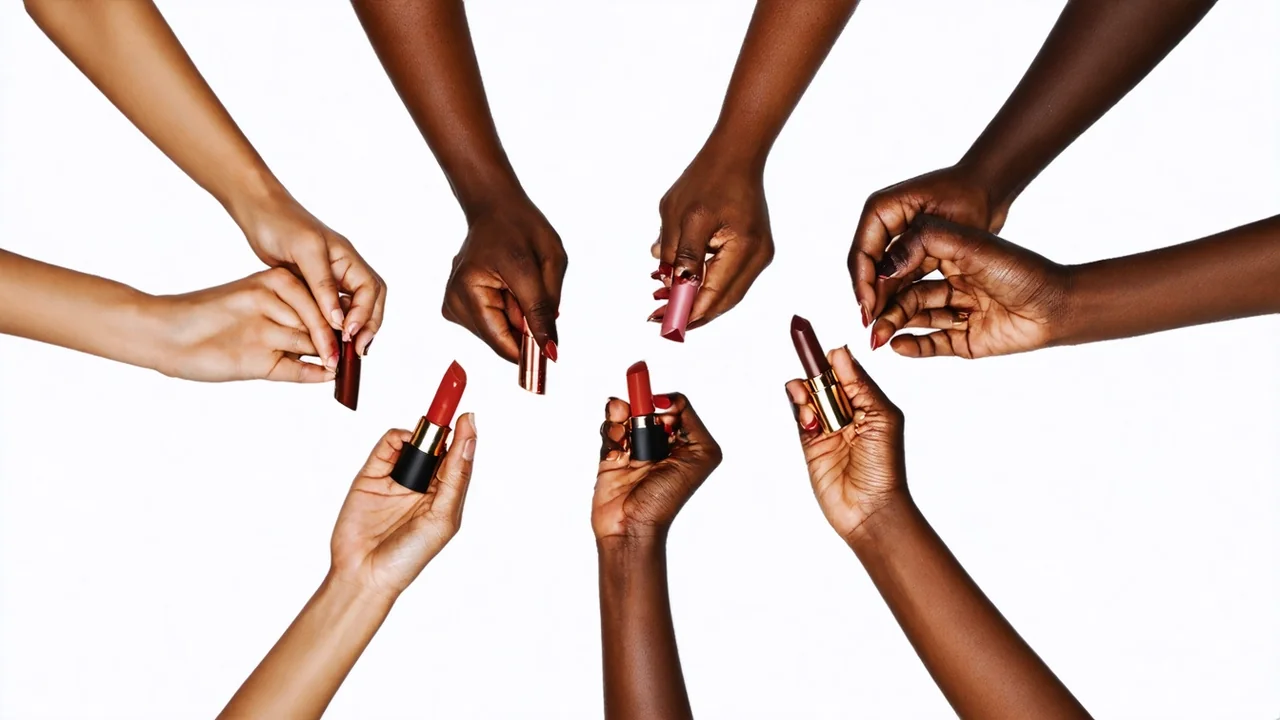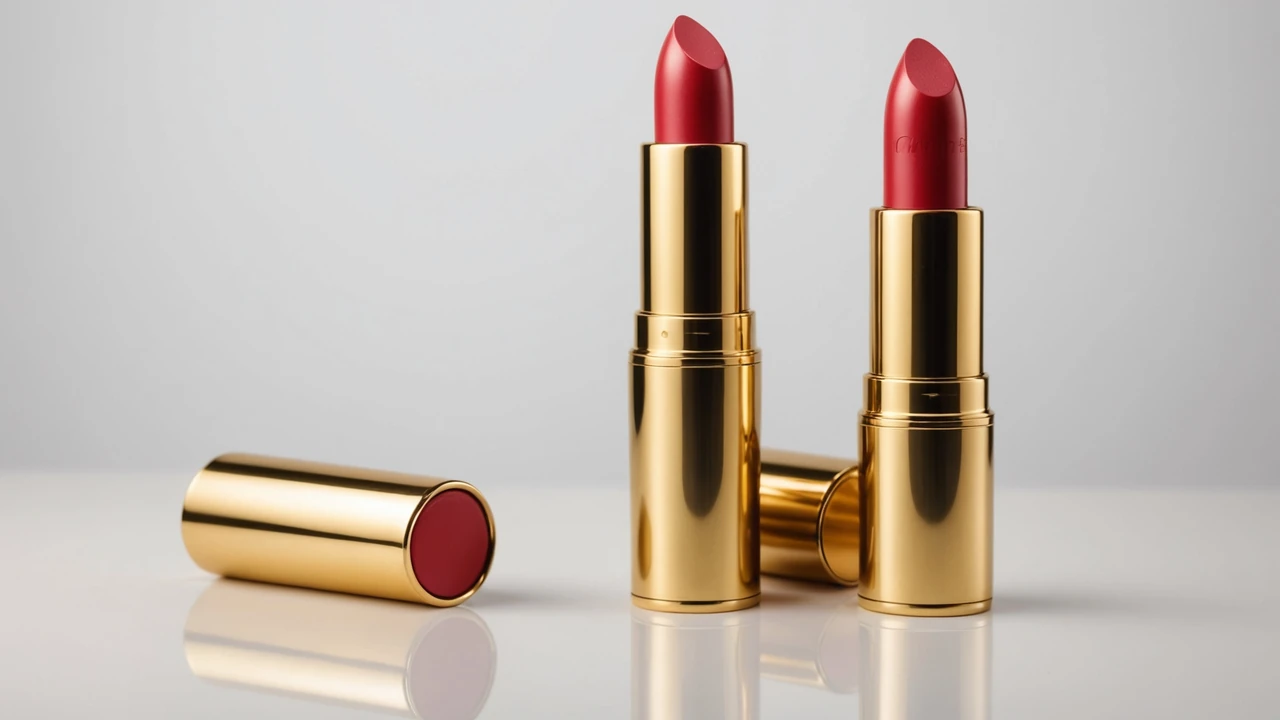
Ask ten people to describe a lipstick they love and they'll reach for words like "creamy," "velvety," "glossy," or "matte." Those aren't just marketing adjectives — they're optical descriptions. And when it comes to AR try-on, those distinctions are the whole game. Rendering lipstick and liquid foundation convincingly requires two completely different approaches to light physics. We've found that this is the most common place where AR beauty tools fall apart.
Why Finish Type Is a Physics Problem
Every cosmetic product interacts with incoming light in a predictable but complex way. The finish — matte, satin, glossy, metallic — determines how much light is absorbed versus scattered versus reflected. In computer graphics, these behaviors map to a well-established model: the BRDF, or bidirectional reflectance distribution function. Simply put, the BRDF describes how a surface looks from any angle under any lighting condition.
A matte lipstick has a rough microstructure that scatters light diffusely. There are no specular highlights. The color looks the same from nearly every angle. That's actually the easier case to render because the math is closer to a standard diffuse shader.
A glossy lipstick is the opposite. Light hits the smooth surface and bounces back in a tight, directional cone. You get a distinct specular highlight — that bright spot that moves as the camera angle changes. Without this highlight, a glossy shade just looks dull, even if the color is correct. In our early prototypes, removing the specular pass made testers consistently say the try-on "didn't look real," even when the color was pixel-accurate.
The Foundation Problem: Skin Absorption and Undertone Layering
Foundation rendering is harder than lip rendering in one specific way: skin is a subsurface-scattering material. Light doesn't just bounce off skin — it enters the outer layers, bounces around internally, and exits at a slightly different point. This gives skin its warm, translucent quality. Foundation sits on top of that structure but interacts with the underlying skin tone in ways that are optically significant.
A sheer liquid foundation with a luminous finish lets a lot of that skin-light interaction through. The result is a "your skin but better" appearance — the foundation modulates the skin tone rather than replacing it. A full-coverage matte formula, by contrast, essentially paints over the skin's natural light behavior, creating its own surface. The rendering pipeline has to model both cases.
In practice, this means foundation rendering needs at least three separate passes: the skin base with its subsurface character, the foundation layer's opacity and finish, and the blending between them. This is why we render foundation at 60 frames per second with per-frame skin-tone sampling rather than locking a base reading at session start. Lighting shifts as someone moves — and the skin-foundation interaction changes with it.
Metallic and Duochrome: The Special Cases
Metallic and duochrome finishes exist on a spectrum that's neither diffuse nor simply specular. A metallic lipstick has micro-particles that create anisotropic reflectance — the highlight stretches in one direction depending on particle orientation. A duochrome shifts visible color depending on the viewing angle, because different particle orientations are reflecting different wavelengths.
These effects are genuinely difficult to capture in real time. The standard approach is to bake anisotropic maps during the shade-creation step, essentially pre-computing how the metallic particles will behave and encoding that into the shade asset itself. When the rendering engine then applies the shade, it reads the anisotropic map alongside the live camera data to produce the directional highlight. This pre-bake step happens once per shade, which is why adding a new metallic color to a brand's catalog takes a bit longer than adding a matte one.
"The moment we got the specular highlight animating correctly on a gloss shade, testers stopped saying 'it looks like a filter.' That one rendering detail is the difference between a try-on tool and a try-on experience."
— Yemi Adebayo, CTO & Co-Founder, Lumeglint
Skin-Tone Interaction: Where Both Products Converge
Regardless of product type, the underlying skin tone changes how every shade reads. This is not a rendering bug — it's physics. A deep plum lipstick will appear darker and more saturated on fair skin than on deep brown skin, because the contrast ratio is higher. Our tone-matching system doesn't just place color on the face; it adjusts the rendering parameters based on a Fitzpatrick scale classification run at session start. This classification takes about 40 milliseconds and affects opacity, undertone mixing, and highlight intensity for the duration of the try-on.
The practical result is that a brand doesn't need to create separate rendering profiles for different skin tones. One shade file works across the full spectrum because the engine adapts. In testing across simulated Fitzpatrick I through VI inputs, color accuracy variance dropped to under 4 Delta-E units — which is within the threshold where human observers stop noticing the difference.
Putting It Together: The Rendering Pipeline in Practice
When a shopper opens a try-on session, here's what's actually happening inside a typical frame:
- Face mesh detection — 468 facial landmarks are located and tracked using the device's front camera at 30–60 fps
- Skin-tone classification — run once at session start, outputs a Fitzpatrick range estimate
- Product type routing — the engine determines whether to use the lip renderer or the foundation renderer based on the SKU metadata
- BRDF selection — the shade's finish type (matte, glossy, metallic, etc.) loads the corresponding shader configuration
- Live compositing — the rendered layer is composited over the camera feed in the browser canvas at sub-5ms latency
The entire stack runs in-browser using WebGL, which means no app install, no server round-trip, and no face data leaving the device. The computational cost fits within the GPU budget of any flagship or mid-range smartphone from 2022 onward — which covers more than 85% of the smartphones currently in active use in the US.
What This Means for Brands Building Shade Catalogs
Understanding the rendering split has practical implications for brands that are uploading shade data. Matte finishes require the least preparation — a hex code and opacity value are usually sufficient. Glossy and satin shades need a specular intensity parameter. Metallic and duochrome shades require the anisotropic bake, which adds a production step but is handled in the shade management portal rather than requiring a developer.
We've seen brands with 200-SKU catalogs complete their full shade upload in under three hours, including the metallic processing queue. The output is a try-on that handles their entire product range — matte reds, sheer lip glosses, full-coverage foundations, tinted moisturizers — with render quality that's calibrated to each finish type separately.
The physics of cosmetics is more interesting than it first looks. Getting it right in real time, on a phone, inside a browser — that's where the technical challenge lives. And it's why "just put a color on the face" is a description that misses about 80% of what photorealistic beauty AR actually involves.